♕ CrownCAD Platform
Core Capabilities:
Core Capabilities:
Powering Your CAD Workflow
Professional cloud-native CAD tools for modern engineering teams — from first sketch to final drawing, all in one platform.
Module 01
Core Modeling Module
Everything you need for professional 3D design — from sketching to final drawings.
Sketching
Part Design
Assembly Design
Engineering Drawing
Team Collaboration
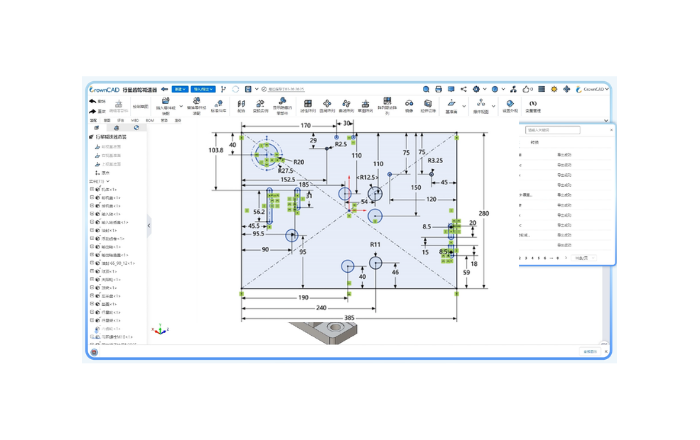
Sketching
- Supports the creation of polylines, arcs, curves, slots, and more.
- Enables quick dimensioning and geometric constraints.
- Provides editing tools for fillets, chamfers, trimming, offsetting, and more.
- Includes inspection and repair functions.
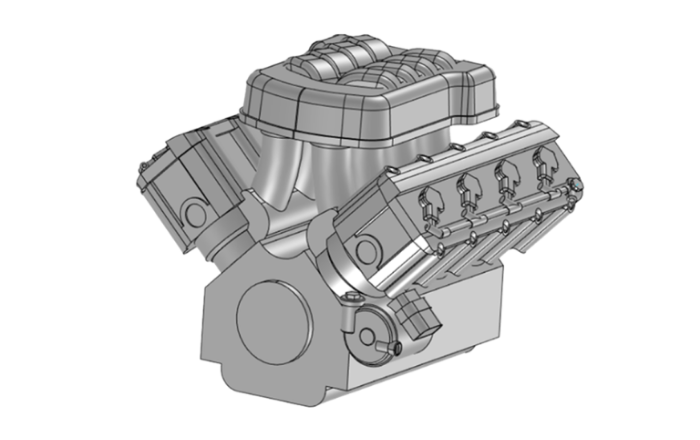
Part Design
- Supports complex curve/surface geometric modeling.
- Offers feature-based parametric solid modeling.
- Allows direct modeling for both parametric and non-parametric models.
- Delivers powerful hybrid surface/mesh modeling capabilities.
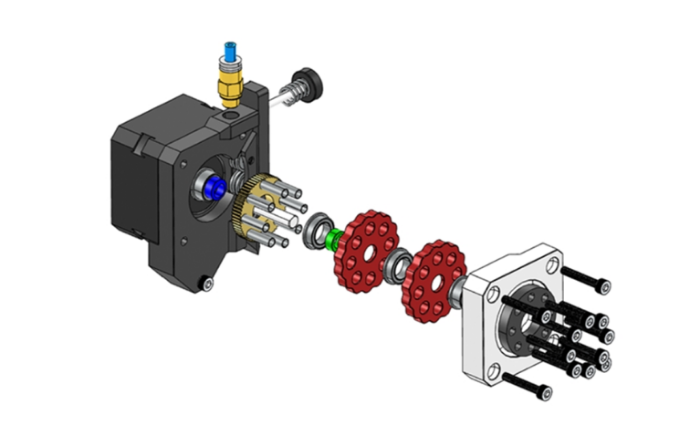
Assembly Design
- Supports both top-down and bottom-up assembly design.
- Enables efficient component mating.
- Ensures real-time synchronization between assemblies and parts.
- Provides interference checks between components.
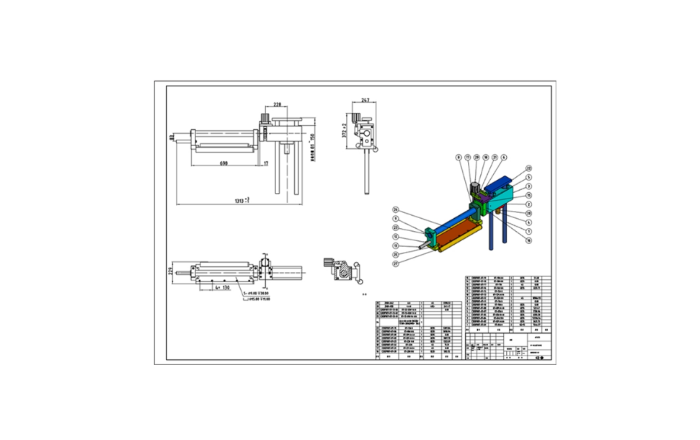
Engineering Drawing
- Automatically generates projection views from 3D models.
- Offers international standard-compliant drafting methods.
- Supports automatic dimensioning.
- Maintains synchronization between 2D and 3D models.
Team Collaboration
- Real-time concurrent editing by multiple users.
- Live presence indicators and in-model comments.
- Conflict-free merge with full version history.
- Role-based access control for teams.
Module 02
Professional Modules
Advanced tools for specialized engineering workflows.
Sheet Metal
Weldment
MBD
Animation
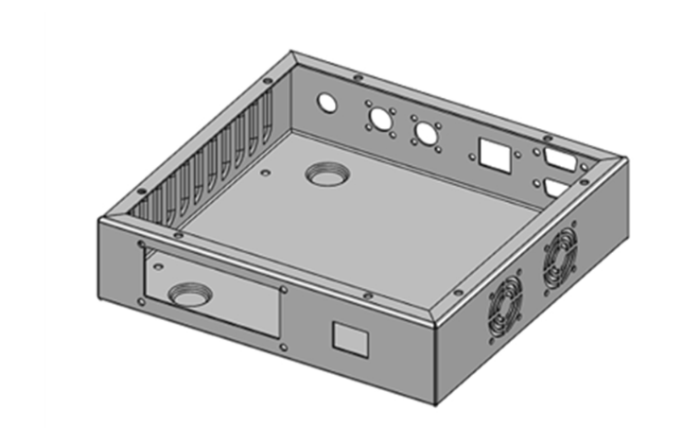
Sheet Metal
- Provides basic sheet metal features (e.g., louvers, stamping).
- Supports rapid unfolding and folding to streamline design-to-production workflows.
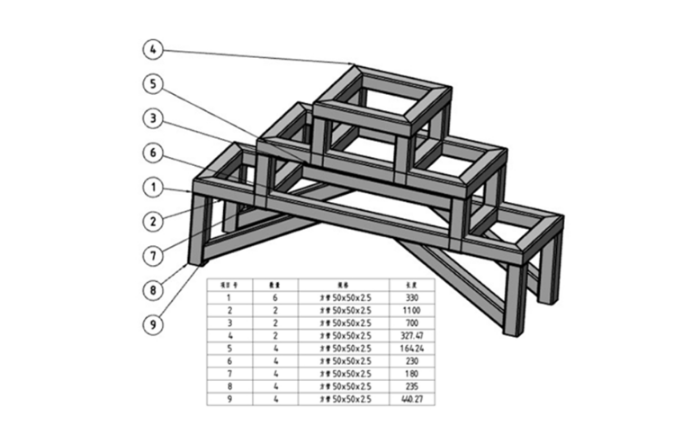
Weldment
- Offers a library of standard structural profiles.
- Enables quick creation of 2D and 3D sketch paths.
- Allows fast modification of corner connection styles.
- Supports exporting weldment cut lists.
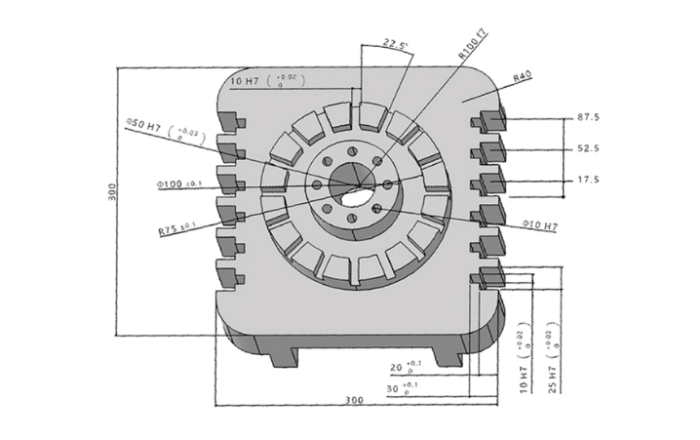
MBD
- Enables direct 3D annotations and notes for seamless communication between users and manufacturers.
- Supports transferring PMI to 2D drawings to boost drafting efficiency.
- Reads and imports MBD data from external models for collaborative design.
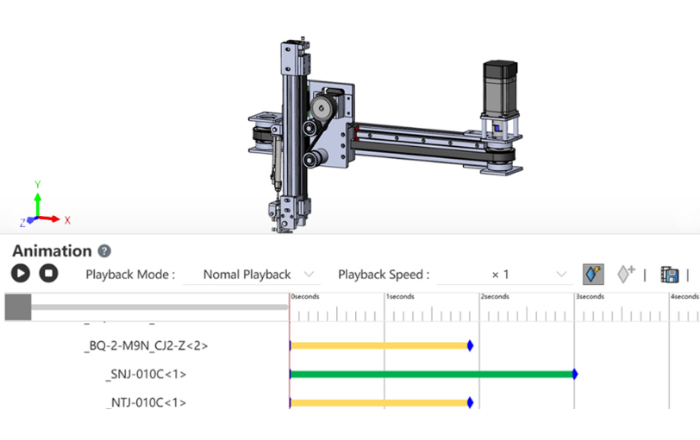
Animation
- Realistically simulates mechanism motion based on assembly mating relationships.
- Allows users to define motion states freely via time-based keyframes.
- Supports AVI/MP4 video output to show mechanism & speed up decisions.
Module 03
Collaboration & Management
Real-time teamwork and secure version control built for distributed engineering teams.
Version Management
Collaborative Design
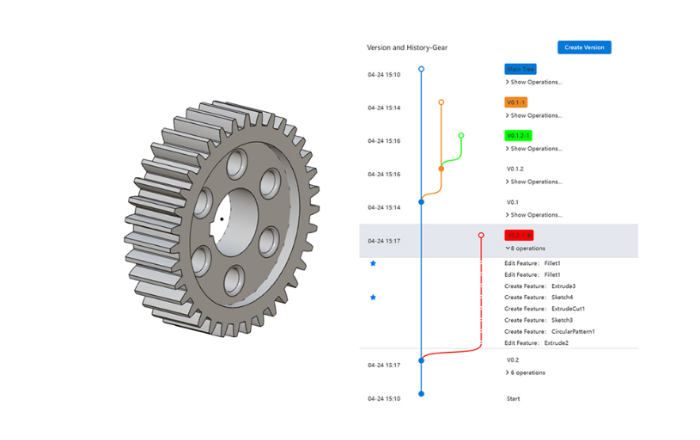
Version Management
- Ensures data security through encrypted cloud storage and transmission.
- Tracks complete model editing history, allowing roll back to any historical version.
- Implements version control via version nodes and branches, simplifying design reviews.
Collaborative Design
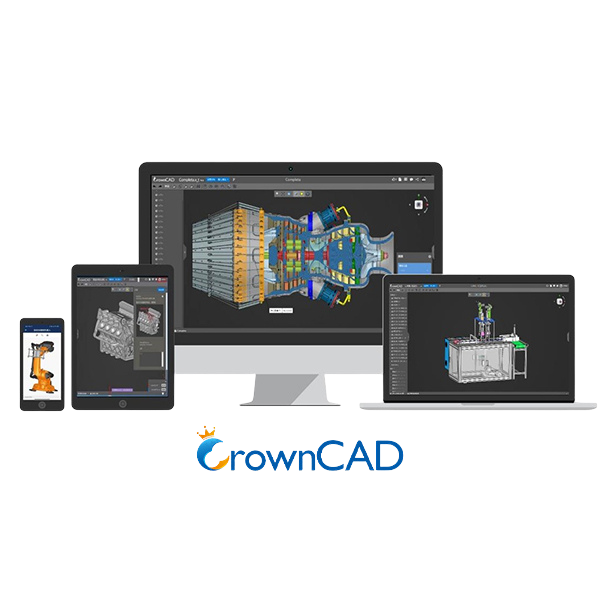
- Cloud-Powered Collaboration: Innovation, security, and efficiency across devices.
- Team Collaboration: Streamlined teamwork via team creation.
- Secure Collaboration: Strict permission controls and versioning to protect data integrity.
- Cross-platform: Seamless design across PCs, smartphones, tablets, and smart displays.
Ready to Transform Your Engineering Workflow?
Join leading engineering teams who are building the future with CrownCAD.